
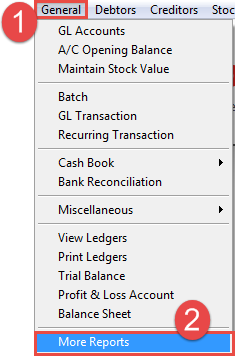
1. Go to General -> 2. select More Reports.
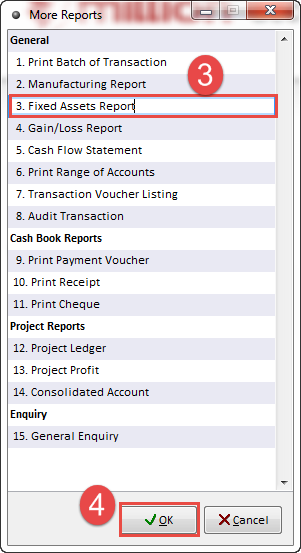
3. Fixed Assets Report -> 4. OK
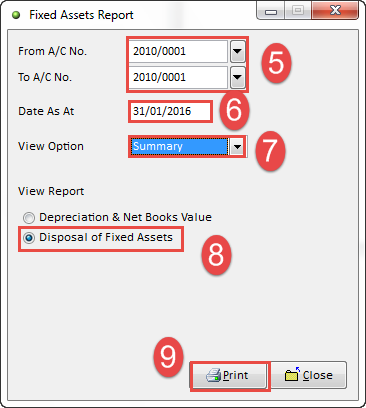
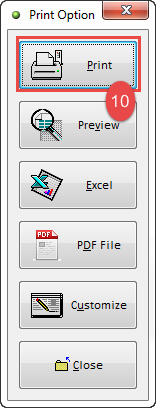
5. Selecting 1st Fixed Assets to Last Fixed Assets -> 6. Period (Closing Date) -> 7. Report (View in Summary or Detail. -> 8. Select Disposal of Fixed Assets -> 9. Print -> 10. Print
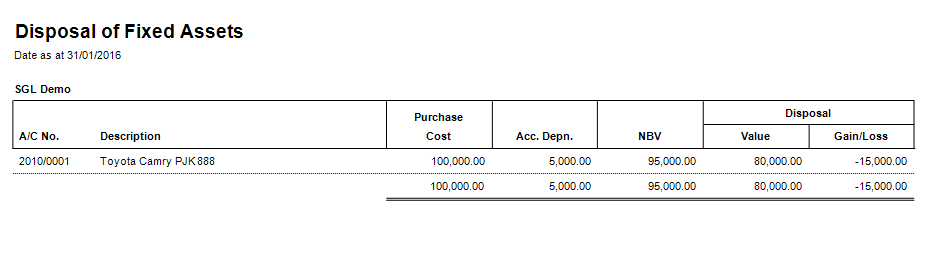
View Disposal of Fixed Assets by Summary
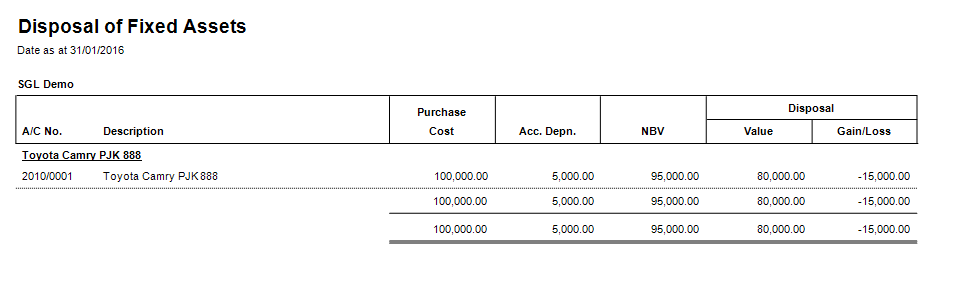
View Disposal of Fixed Assets by Details
Related Topic :-